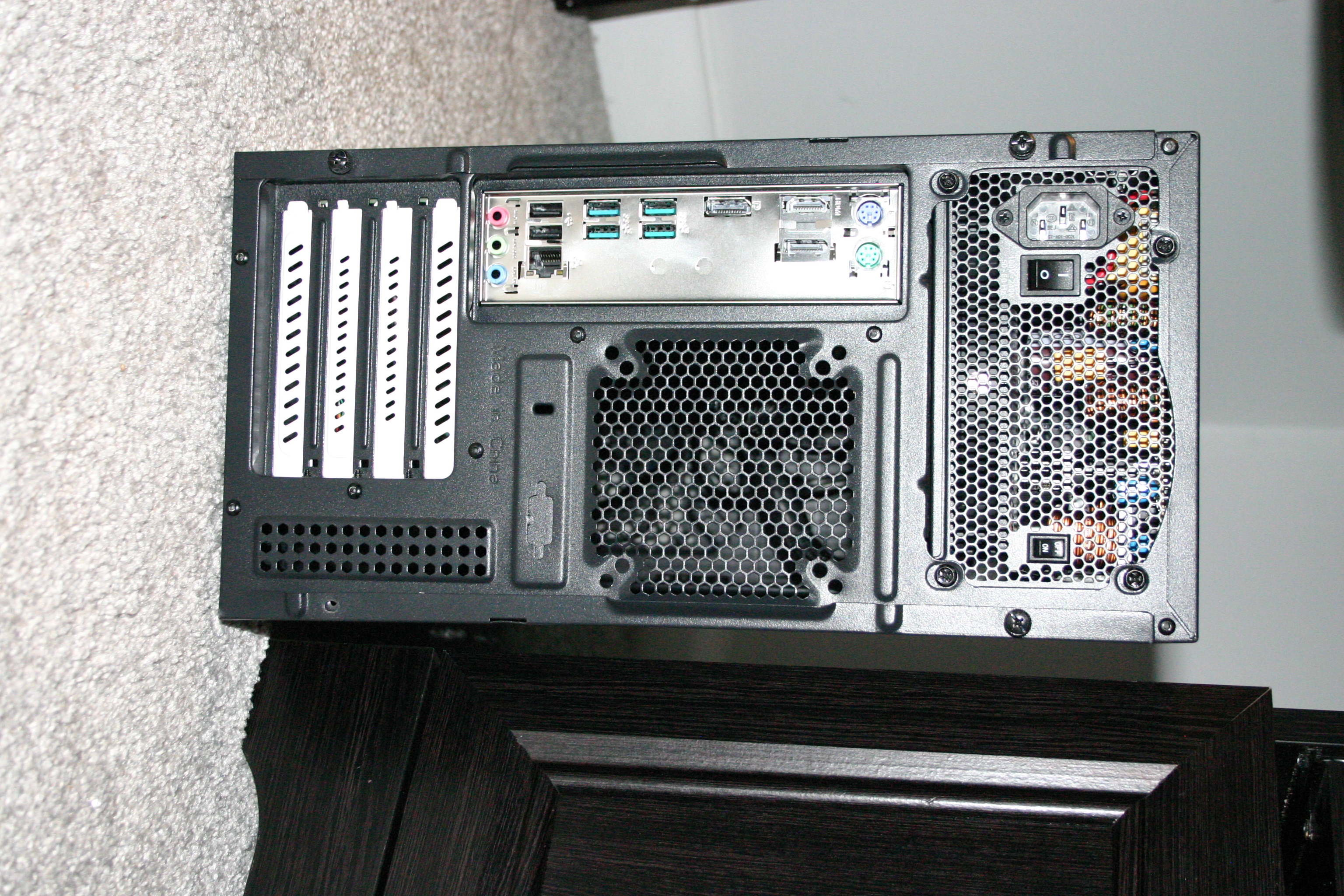
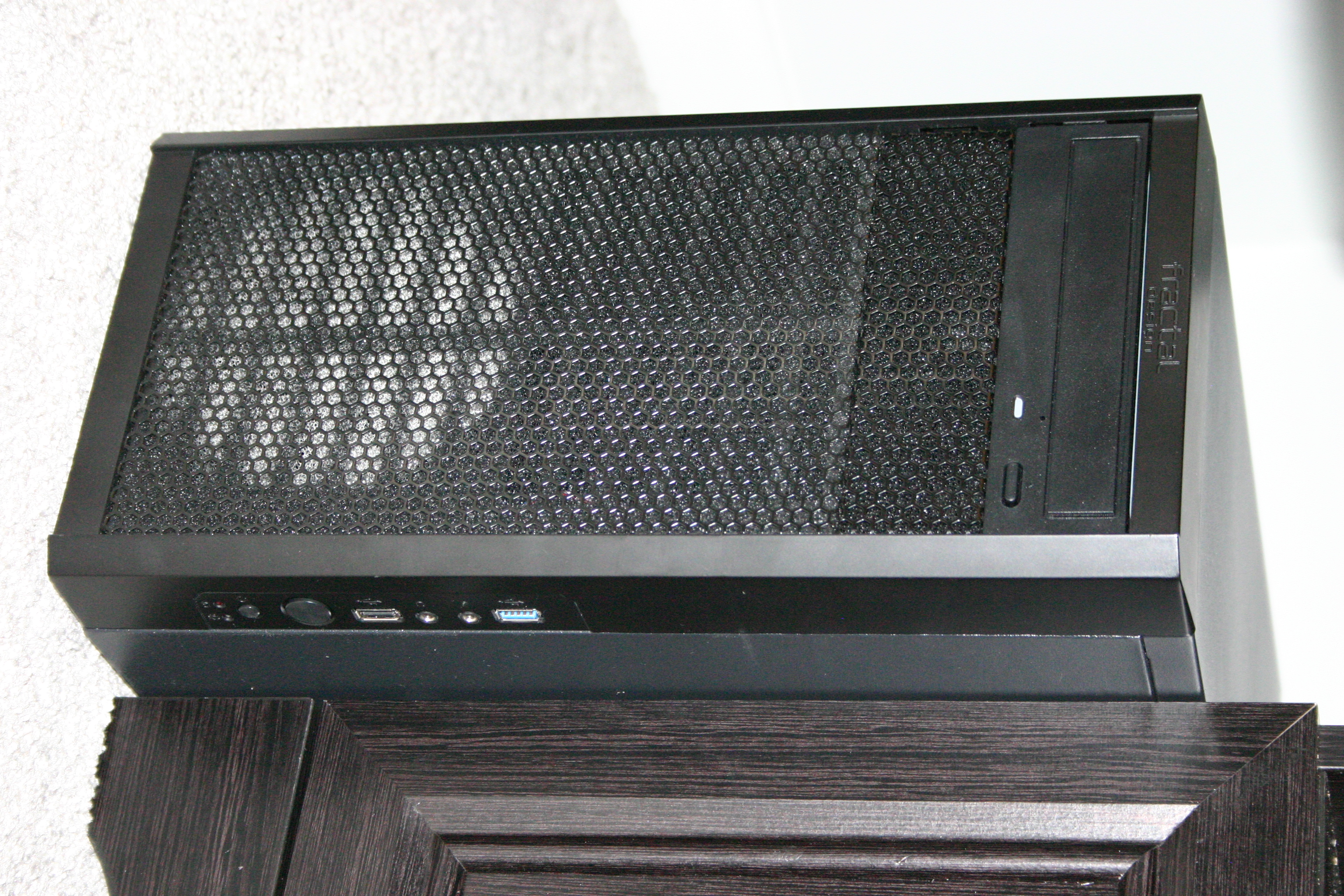
Supporting GNU/Linux often differs from supporting other operating systems due to a range of desktop environments, distributions, and releases. As such it's often the case we have more applicable documentation for a product than we've actually posted. As such if you don't see what you are looking for below please contact support for additional information/documentation and include as much information as possible about your situation/problem/need. Include (to the degree known) what the model # is, desktop environment you are using, distribution, and any release information.

Penguin Pro 14 GNU/Linux Desktop Documentation |